
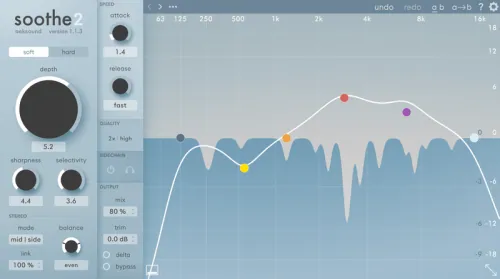
Soothe2 is a dynamic resonance suppressor. It instantly identifies problematic resonances and automatically applies the appropriate reduction. This results in a smoother, more balanced sound and eliminates the need to manually cut frequencies. Reduction is applied only when and where it’s needed, without affecting adjacent frequency ranges. This preserves the timbre of the original sound, ensuring transparent processing with minimal artifacts.

- Download oeksound – soothe2 v1.3.3 VST, VST3, AU [Intel/Apple] [Team FLARE]
- Original Publisher: oeksound
- Version: v1.3.3
- Format: VST, VST3, AU
- Category: VST Plugins
- Require: Mac OS X 10.14 (Mojave)+
- License type: Full
- Download Size: 128.6 MB


Instructions
If this works for you, follow my Instagram: toza_74.
mac tahoe not workin
working on mac sonoma 14.4.1 without xcode.
THE BESTTTTTT
THANKSSS
now Sooth 3 please