
The best free software for producing music depends on your system and your goals. Waveform Free is the best all-rounder on Windows, Mac and Linux. GarageBand is the easiest start on a Mac, iPhone or iPad. Cakewalk Sonar gives Windows users a traditional layout with no track limit. BandLab Studio works in a browser or on a phone, and LUNA Free is best for recording and mixing. LMMS suits MIDI beat makers, and Audacity handles recording and cleanup.
"Free" means different things on different download pages. Some programs cap you at 8 or 16 tracks. Some are 60-day trials that turn into a purchase. Others are free versions of paid DAWs that skip the features you need for your first full song. A bad pick can cost you weeks of learning in a tool you outgrow or abandon.
Audios Torrent covers DAWs, plugins and sample libraries, and every new producer asks where to start without spending money. This list answers that. Every program below is free from its developer, and each entry gives the same details: what you get, the system and account requirements, who it suits and where it falls short. A table near the end matches each pick to your situation.
1. Waveform Free
Waveform Free is the strongest free software for producing music that you can run on any desktop system. It is the free edition of Tracktion’s Waveform Pro, and it has no track limit, no watermark and no time limit.
What you get
You get a complete DAW with four instruments and 33 effects and utilities. It also loads third-party VST, VST3 and AU plugins, so any free or paid plugin you already own works inside it. Retrospective recording saves what you just played even if you never pressed record, which rescues a lot of good takes. The pattern generator drafts chords, arpeggios, basslines and melodies that you can edit afterward.
- Runs on: Windows, macOS and Linux
- Price: $0, with a free Tracktion account needed to download
- Plugin formats: VST, VST3, AU
Waveform Free is the only free DAW here with no track cap on Windows, Mac and Linux alike.
Who it suits and its limits
Waveform Free fits producers who want one DAW they can grow with. It works offline and uses modest system resources, and it still runs on Windows 10. That helps if your laptop is a few years old. You can finish full projects in it, not only demos.
The main drawback is the layout. It does not follow the usual mixer-below-timeline arrangement, so expect an adjustment period if you have used another DAW. Learn clip selection, the detail editor and the Actions panel first, and the rest comes faster.
2. GarageBand
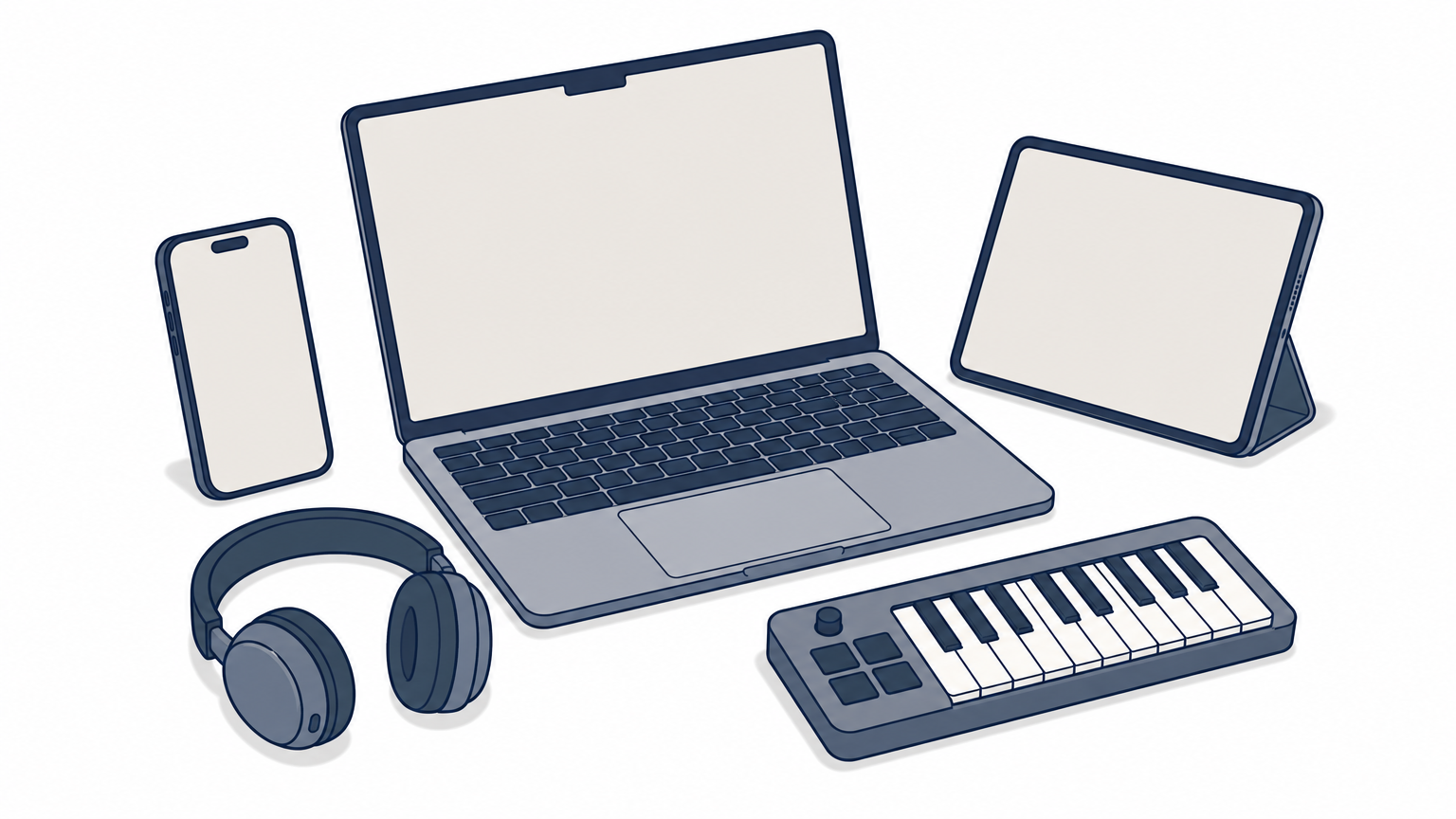
GarageBand is the easiest free way to make a finished song if you own an Apple device. It is free from Apple, and many Macs, iPhones and iPads already have it installed.
What you get
GarageBand gives you polished instruments, loops and virtual session drummers that play along with your song. Smart Controls let you shape sounds without learning synth design. That is enough to finish complete songs without installing any extra plugins.
- Runs on: macOS, iOS and iPadOS
- Price: $0, with only an Apple ID needed
- Plugin formats: Audio Units only
Who it suits and its limits
GarageBand suits complete beginners on Apple hardware. Start by building a song from Drummer and the loop browser, then replace the loops with your own recordings. When you outgrow it, your projects open directly in Logic Pro, so nothing is wasted. Projects also move between Mac and iOS.
The trade-offs are plugin support and mixing depth. GarageBand hosts Audio Units only, so VST plugins will not load. Its routing and mixing are simpler than in a full DAW. It is also unavailable on Windows and Linux, so a PC user needs another pick.
If you have a Mac, install GarageBand first and ignore everything else until you hit a real limit.
3. Cakewalk Sonar
Cakewalk Sonar is the free pick for Windows users who want a traditional, professional DAW layout. It has unlimited tracks and full VST and VST3 support.
What you get
Sonar carries the core of what used to be the paid SONAR Platinum. You get take lanes and comping, AudioSnap for quantizing audio, and VocalSync for tightening doubled vocals. The ProChannel console strip sits on every track and bus, so you can shape sounds in the mixer without loading extra plugins. Mix Recall saves versions of a mix as scenes so you can compare them.
- Runs on: Windows 11
- Price: $0, with a free BandLab account needed to activate
- Optional: a paid Membership adds extras, but you do not need it to record, mix and export
Sonar behaves like a full commercial DAW, not a stripped-down free edition.
Who it suits and its limits
Sonar suits Windows producers who want a conventional mixer and timeline and plan to record real instruments or vocals. It also suits anyone moving over from an older Cakewalk project, since Sonar succeeds Cakewalk by BandLab and opens those files.
The catch is hardware. It is Windows-only and runs best on a fairly recent PC. If your laptop is older, Waveform Free is the lighter choice. Mac users should look at the table at the end of this article.
4. BandLab Studio
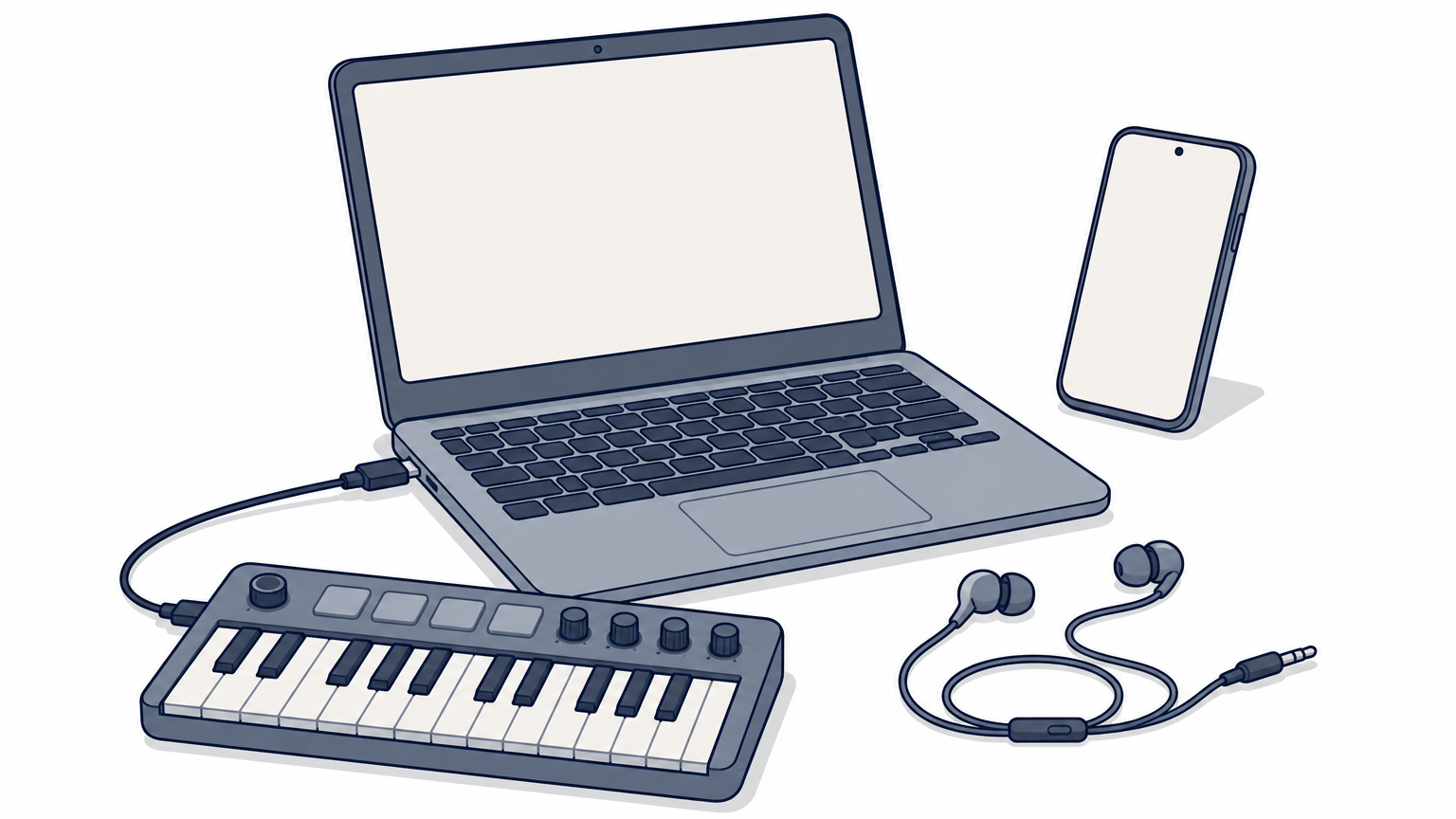
BandLab Studio is the best pick if you want to make music without installing anything. It runs in your browser and also works as an app on iPhone and Android.
What you get
Studio includes hundreds of virtual instruments, a sampler, a drum machine with many kits, a looper, AutoPitch vocal effects and mastering presets for the finished song. It records audio and MIDI and supports USB MIDI keyboards. You can invite up to 50 collaborators to the same project, which most desktop DAWs do not offer at any price.
- Runs on: web browser, iOS, Android, including Chromebooks
- Price: $0, with a free BandLab account needed
- Free limit: 16 tracks per project, and a paid Membership raises that to 32
BandLab Studio is the quickest route from zero to a recorded idea on any device.
Who it suits and its limits
Studio suits first-time producers, Chromebook users and anyone who starts ideas on a phone and finishes them on a computer. A project opens in both the browser and the phone app, so you never move files by hand.
It uses only its own instruments and effects, so third-party plugins do not load. It also needs an internet connection. Treat it as a tool for demos, collaboration and quick sketches rather than deep mixing work. Most people eventually move the final mix to a desktop DAW.
5. LUNA Free
LUNA Free is the best free program for recording and mixing audio. It comes from Universal Audio, and you do not need any of their hardware to use it.
What you get
You get unlimited tracks with a console-style mixer, take lanes, comping and bounce in place. Eight UAD plugins come with it, including the 1176 and LA-2A compressors and the Pure Plate reverb, and Oxide tape emulation sits on every channel. You can also load your own VST3 and AU plugins next to them.
- Runs on: Windows and macOS
- Price: $0
- Setup: a free UA account, the UA Connect app and a free iLok account
LUNA Free is the one to pick when your music is mostly vocals, guitar and mixing, not programmed beats.
Who it suits and its limits
LUNA suits producers who record real instruments and care about how a mix sounds. The classic-gear sound is useful right out of the box, and the mixing workflow is fast because common recording tasks are not buried in menus.
The weak points are installation and MIDI. Three accounts or apps is a lot of setup before you can record a note. MIDI editing is also simpler than in older DAWs, even with the newer piano roll. Absolute beginners will find GarageBand or BandLab less demanding.
6. LMMS
LMMS is the best free option for beat makers who work entirely with MIDI and samples. It is open source with no account, no sign-up and no track limit.
What you get
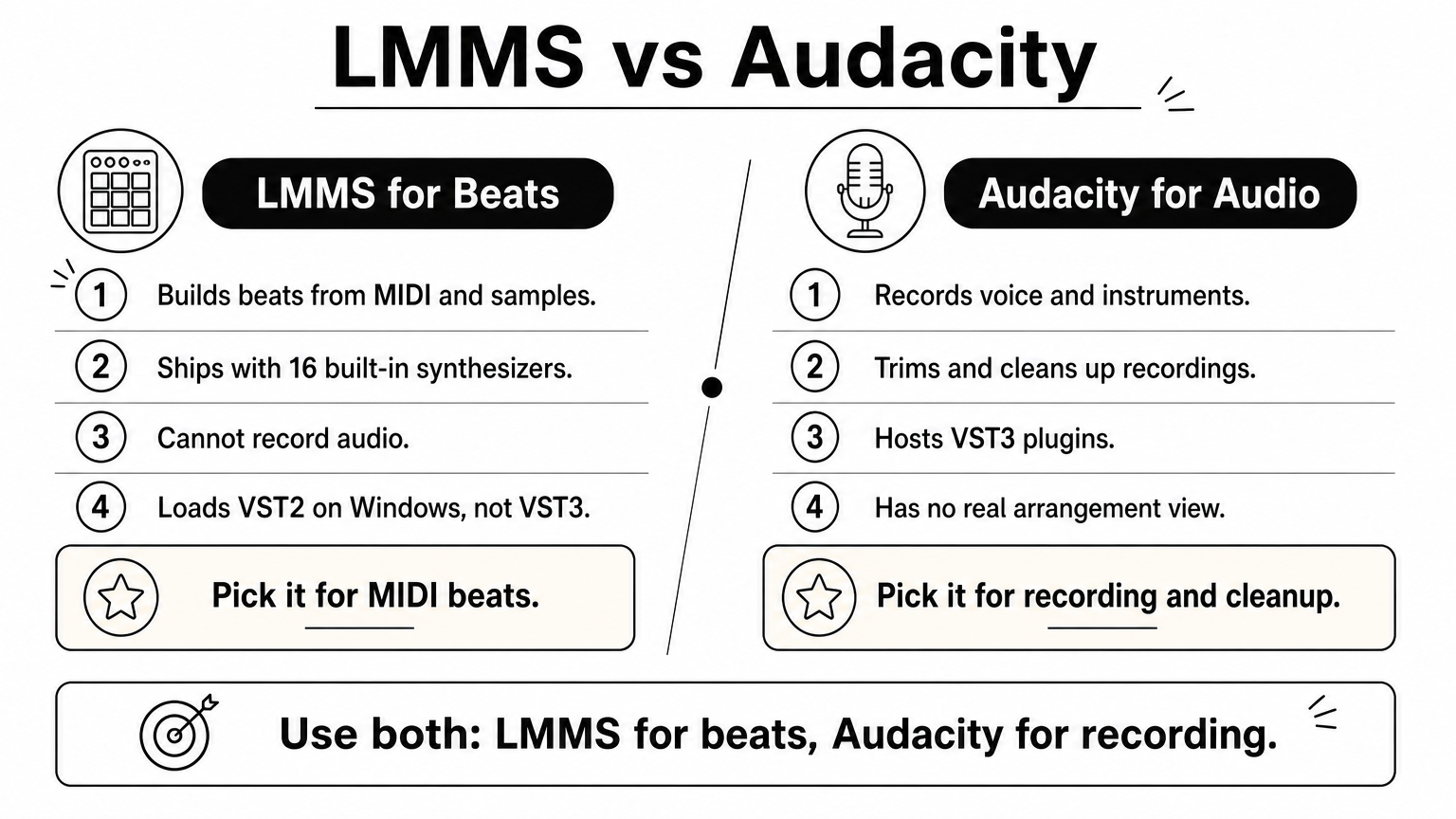
The workflow resembles FL Studio. You build drum patterns in the Beat+Bassline Editor, write melodies in the piano roll, and arrange everything in the Song Editor. It ships with 16 built-in synthesizers, including emulations of the Roland TB-303, the Commodore 64 SID chip and the NES and Game Boy sound chips. It also plays SoundFont instruments and imports MIDI files.
- Runs on: Windows, macOS and Linux
- Price: $0, with no account needed
- Plugin formats: VST2 on Windows and LADSPA, but not VST3
LMMS gives you a pattern-based beat workflow for free, but it cannot record audio.
Who it suits and its limits
LMMS suits beatmakers, electronic producers and chiptune fans who build everything from MIDI. A good first project is a loop in the Beat+Bassline Editor using the TB-303-style bass synth.
The big limit is that the current version cannot record audio. Vocals and guitar need another program, and Audacity (below) does that job. VST3 plugins will not load, so many newer free plugins are off the table.
7. Audacity
Audacity is a free audio editor and recorder, not a DAW, but it earns a place because nearly every producer needs it. It is open source with no account and no paid version, so it really is free.
What you get
Audacity records a voice or instrument, trims and cleans up recordings, chops samples and edits podcasts. It hosts VST3 plugins (AU on a Mac, LV2 on Linux), and it is often the fastest way to catch a guitar idea or a vocal memo before it disappears.
- Runs on: Windows, macOS and Linux
- Price: $0, with no account and no paid tier
- Best at: recording, editing, noise cleanup, sample prep
Audacity will not replace a DAW, but it does the audio-editing jobs that DAWs make slow.
Who it suits and its limits
Audacity suits anyone who needs to record or fix a single audio file, and it pairs well with LMMS since it covers LMMS’s missing audio recording. It also works for voiceovers and podcasts.
It is not built for making beats with virtual instruments, and it has no real arrangement view. If you want to build a song from scratch, pick one of the six DAWs above and keep Audacity installed as a side tool for cleanup and quick captures.
Which free software to start with
Start with the free program that matches your operating system and the kind of music you make. Then take a short look at what the free versions leave out, so you do not hit a wall in week three.
Pick by system and skill level
This table matches each situation to a pick:
| Your situation | Best pick | Why |
|---|---|---|
| Mac, iPhone or iPad beginner | GarageBand | Already installed, gentle learning curve |
| Windows, wants a traditional layout | Cakewalk Sonar | Unlimited tracks, full mixer |
| Any desktop, including Linux | Waveform Free | No limits, loads VST, VST3 and AU |
| Chromebook, phone or no installs | BandLab Studio | Runs in a browser, 16 tracks |
| Recording and mixing vocals or guitar | LUNA Free | Unlimited tracks, eight UAD plugins |
| Beats from MIDI and samples | LMMS | Pattern workflow, built-in synths |
| Trimming and cleaning audio | Audacity | Fast recording and editing |
A concrete example: a Windows beginner who wants to record vocals over a beat can use Sonar for the project and Audacity for cleanup. The total cost is $0.
Choose by operating system first, then by whether you record audio or program MIDI.
Other free options and what is not free
Several other tools came close to this list. Pro Tools Intro is free but limits you to 8 audio, 8 instrument and 8 MIDI tracks, so it is best for learning the studio standard. Reason Free works as a plugin inside your DAW and also runs standalone with up to 16 tracks. Browser DAWs such as Audiotool and Soundtrap are free but need an account. Cakewalk Next is the Mac-friendly sibling of Sonar.
Some well-known names are not free. Reaper offers a 60-day trial with all features, then requires a license, which costs $60 for personal use. The FL Studio trial lets you save, but a saved project reopens only after you buy. Ableton Live Lite is free only when bundled with hardware, and it caps you at 8 tracks.
Quick answers
Is free software good enough for professional work? Yes. Waveform Free and Sonar have no track limits and load professional plugin formats, so the limit is your skill and taste. Billie Eilish’s records are produced by her brother Finneas in Logic Pro, a paid DAW, but GarageBand projects open directly in Logic Pro when you want to follow that path.
Which DAW is totally free? Waveform Free, Sonar, GarageBand and LMMS have no time limit and no paid tier required for full projects. Before you install anything, check the license and use the developer’s own download page. Unofficial copies of paid software carry malware and copyright risks, and the free options above make them unnecessary for a first project.
Start with one free DAW
Pick the program that matches your system, finish one song in it, and only then decide whether you need anything else. For most people that means GarageBand on a Mac, Sonar on a Windows 11 PC, or Waveform Free on any desktop. BandLab Studio covers browsers and phones, LUNA Free covers recording, LMMS covers MIDI beats and Audacity covers cleanup.
The software matters less than the habit of finishing tracks. When you are ready to add plugins, sample libraries or newer DAW versions, you can follow new music production releases on Audios Torrent and compare each one against the developer’s own license terms before you install it.

