
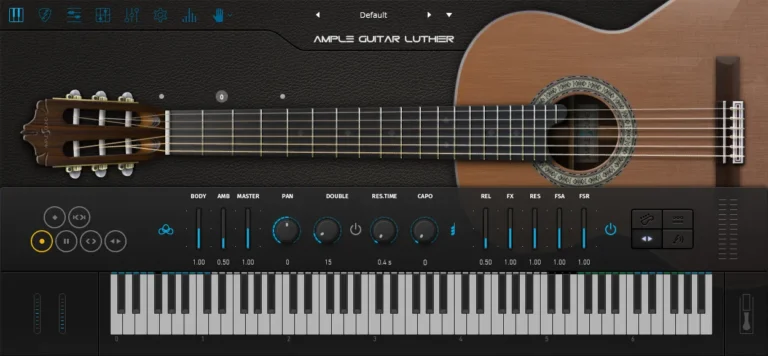
- Download Ample Sound – Ample Guitar L 4.0.1 (Standalone, VST, VST3, AAX , AU | x 64 | Win/macOS)
- Original Publisher: Ample Sound
- Version: v4.0.1
- Format: STANDALONE, VSTi, VSTi3, AAX*, AU
- Category: Virtual instruments and synthesizers
- Download Size: 4.56 GB
There is no sound, just “loading sample failed, plug-in will not make sound.” I need help please.
“Error codes: 7; Loading samples failed. Plug-in will not make sound. Please set instrument path in Settings if you have moved samples folder into another place. If your instrument path is correctly set but still have this error, please contact service email.”
Ample China dongxiao please
How do we get sound from these guitars? is there a fix, i thought i was only 1 not producing sound but three of them aren’t producing sound.
how do I activate this? the activate option just tells you to send a challenge code to the support?
VERSION 4.0 its not working – Loading sample failed, plug-in will not make sound.
SOMEONE RE UPLOAD ample guitar v3.7.0 or old version will work. some one re up all files again it does not work with new one
SOLUTION to solve loading sample – In Ample Luther IN Fl studio Just click on the top of Luther setting ( next to FX ) and in setting you all will see On Top = NOT FOUND and now just click on the browser give ( navigate ) the path to your Ample Guitar L Library. select folder and again CLICK OK AND here we go.